MiCampus
Activities, Happiness, Empowerment
Beyond a clean and modern experience, MiCampus is a powerful campus social framework designed to bring students, faculty, and institutions onto one unified digital platform
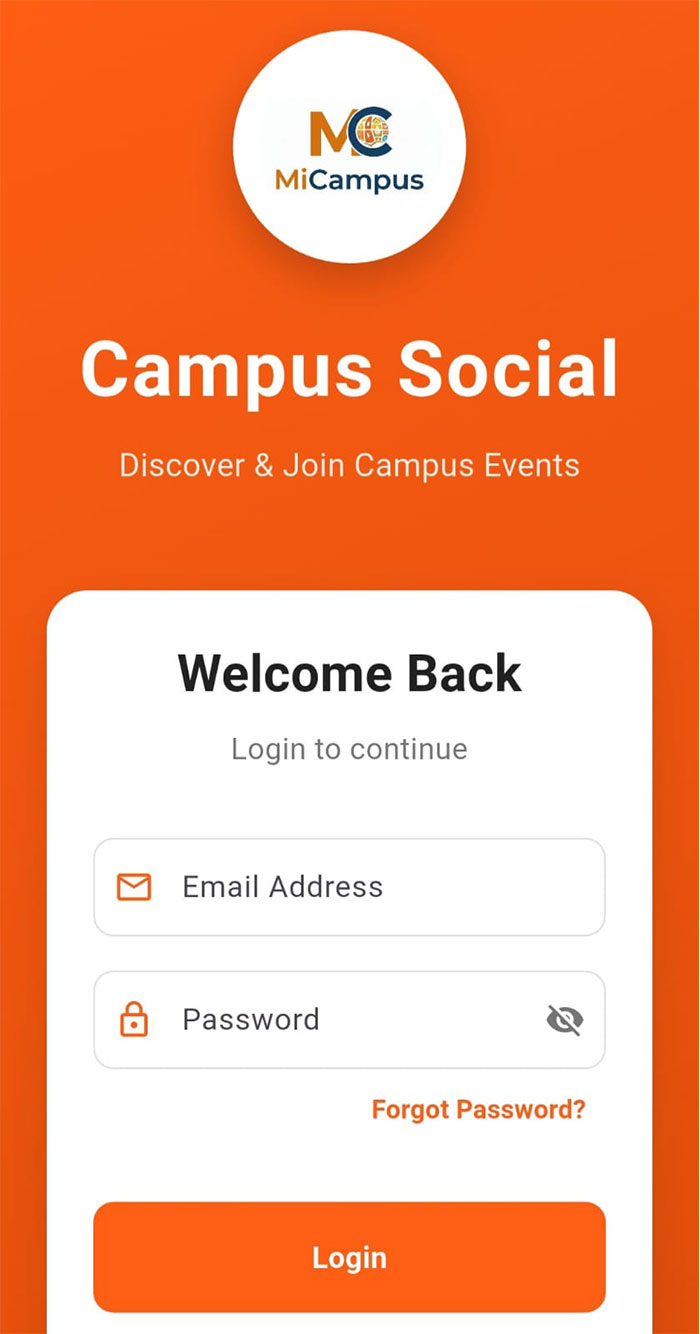
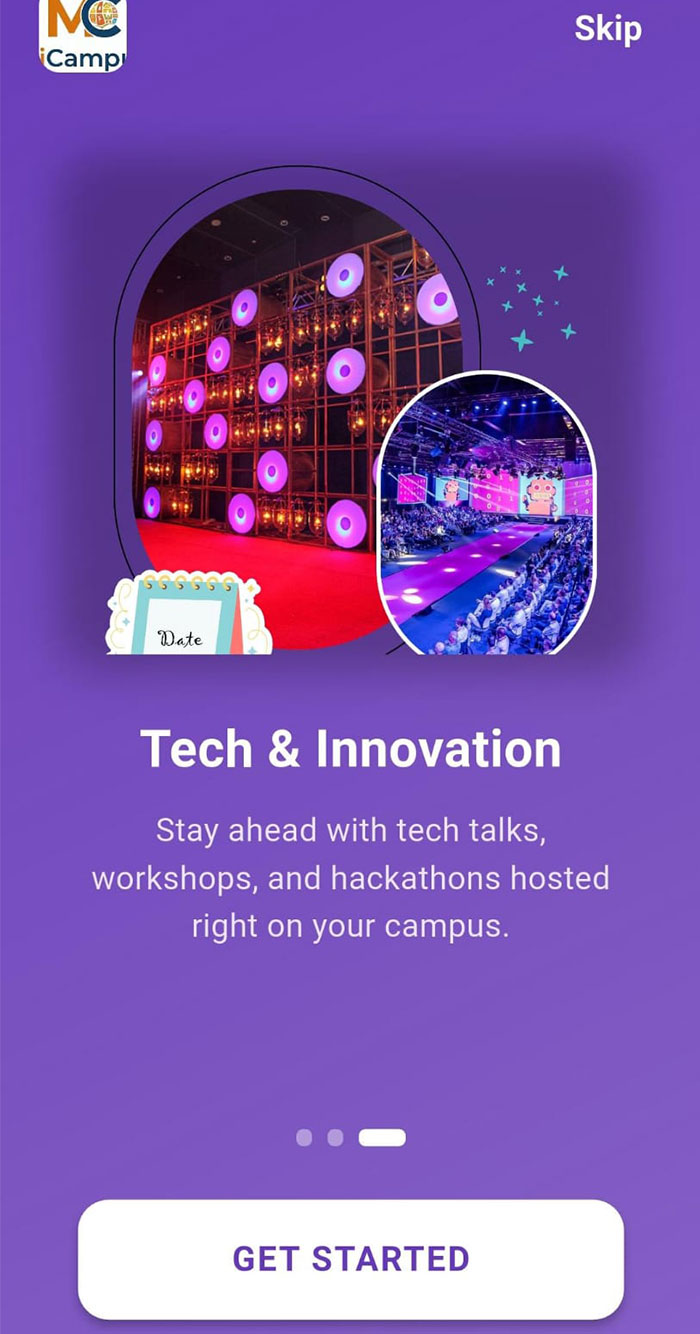
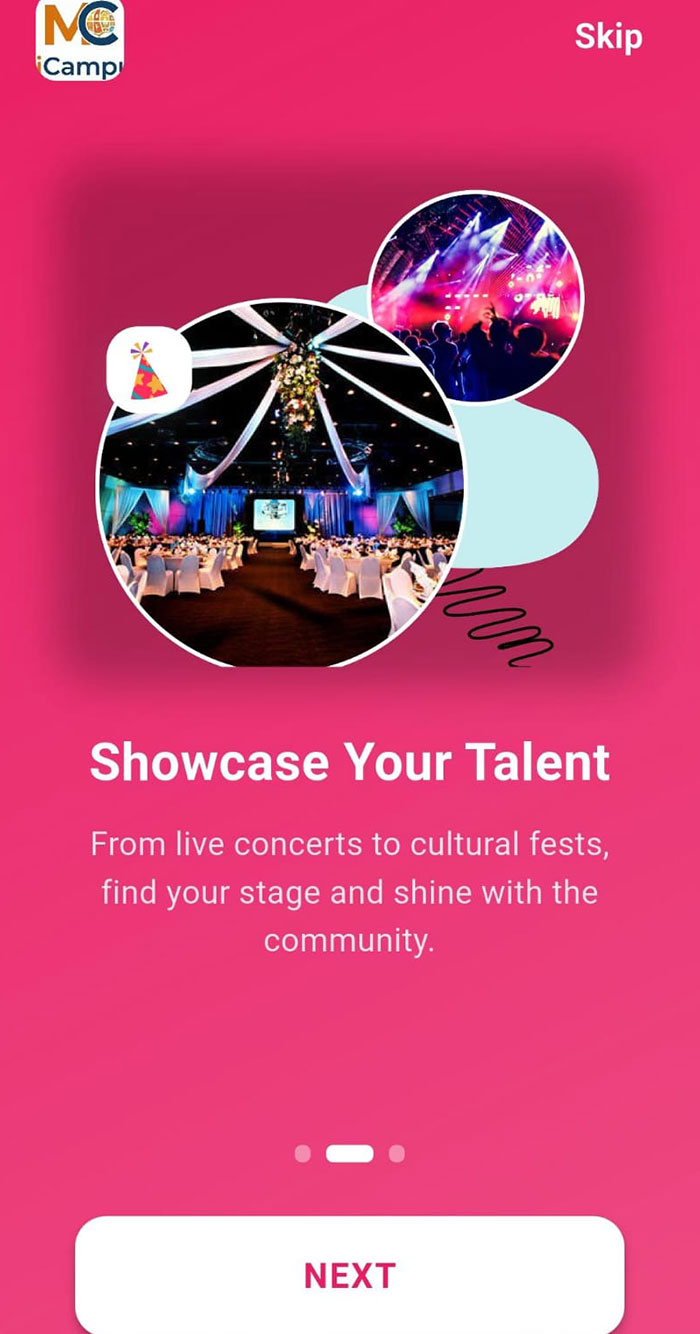
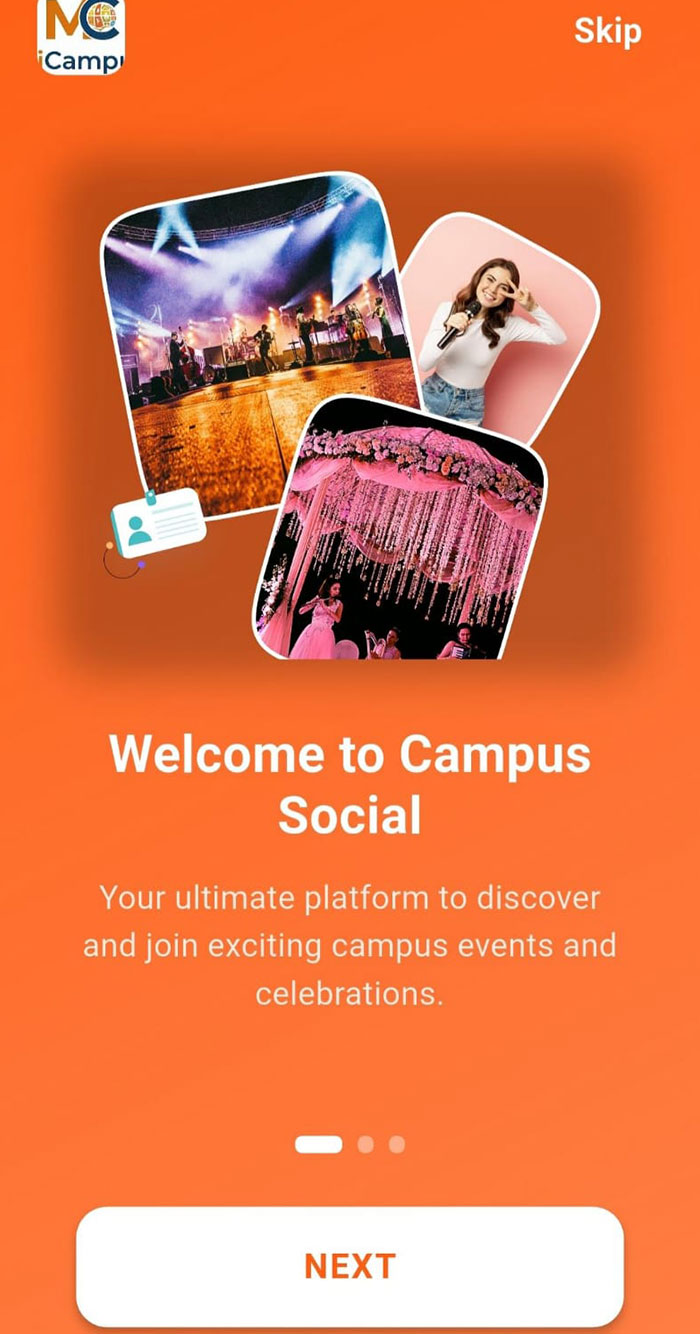
Campus Life Made Simple
Our thoughtfully designed structure makes campus events effortless and intuitive.
Smart by Design
With ready-to-use tools and seamless flows, campuses can activate engagement in minutes.
Built for Real Campuses
Tired of scattered updates and unorganised events? MiCampus helps campuses stand out with clarity and structure.
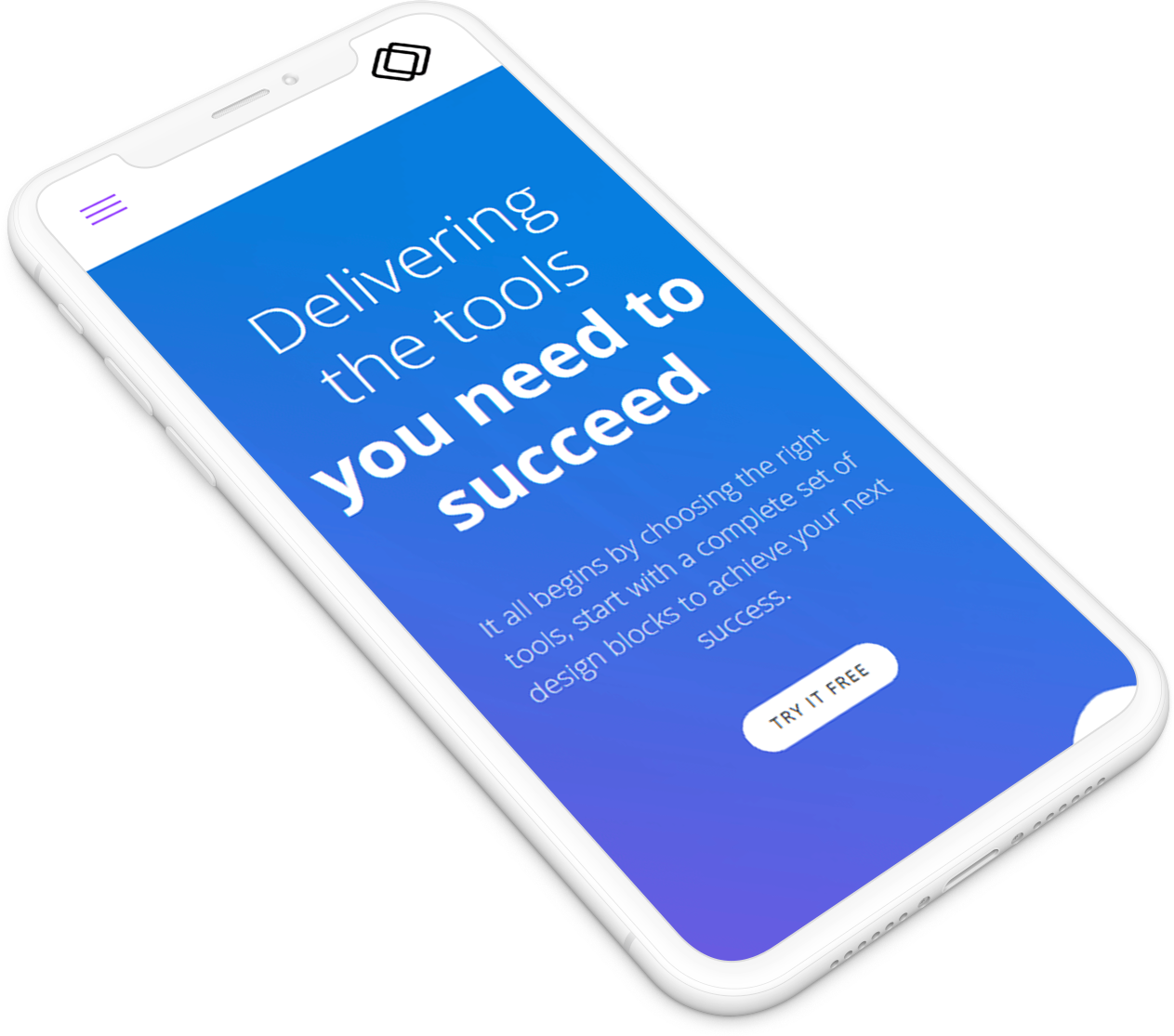
Our Platform Vision
MiCampus transforms everyday campus activities into meaningful digital experiences. From discovering events to celebrating achievements, it creates a connected campus ecosystem where talent, ideas, and opportunities come together naturally.
OUR PARTNERS
Trusted institutions shaping campus engagement together. Designed to scale with your institution
MiCampus proudly collaborates with leading universities, colleges, and institutes across the Guru Nanak Institutions ecosystem and allied campuses — delivering a unified digital experience for students, faculty, and administration.

Guru Nanak University
Guru Nanak Institutions Technical Campus
Guru Nanak Institute of Technology

Panineeya Institute Of Dental Sciences & Research Centre
Guru Nanak Homoeopathic Medical College and Hospital
Frequently Asked Questions
What is MiCampus for?
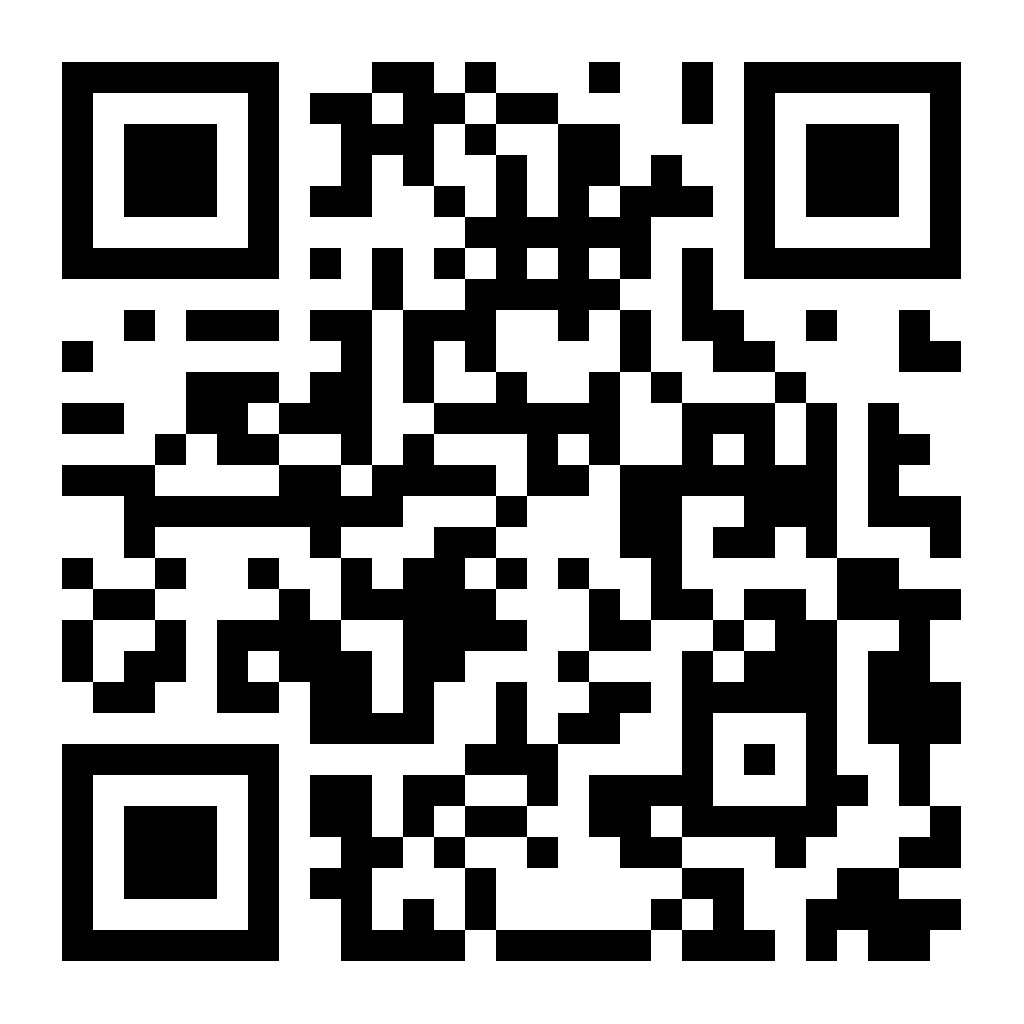
Scan & Access MiCampus
Scan the QR code to download and access MiCampus from the Google Play Store.
Campus Social App: Help & User Guide
A comprehensive guide to help you master the Campus Social ecosystem.
01 Getting Started
-
Download & Install Available on mobile (Android/iOS) and a lightweight, responsive web portal for easy access.
-
Registration Quick onboarding process using personal details, email, and secure OTP verification.
-
Profile Setup Express yourself! Add a display picture, list your hobbies/skills, and select talent interests.
-
Terms & Disclaimer Accept mandatory terms including data usage policies by Skill Matters to ensure a safe community.
02 User Roles
The platform adapts to your role, providing specialized tools for everyone.
Students
Register, create events, connect with peers, and showcase talents.
Faculty
All student features plus event moderation, approvals, and reporting tools.
04 Event Management
-
Create & Edit Use pre-designed templates and can edit them as per your need or can upload your own templates.
-
Event Types Support for Cultural, Academic, Sports, Festivals, National Days, and Religious events.
-
Support Roles Join as a participant, audience member, or volunteer for an event.
07 Promotion & Sharing
-
Social Integration Directly share events to Facebook, Instagram, LinkedIn, and WhatsApp.
-
Push Notifications Get instant reminders for upcoming events and real-time updates from organizers.
-
Auto-Promotion Pre-scheduled banners for national and religious events to keep the campus spirit high.
08 Admin & Faculty Tools
-
Moderation Suite Approve, reject, or request changes to event submissions with ease.
-
Reporting Module Access department-wise logs, participation analytics, and blog management tools.
-
Compliance Dashboard Track permissions and ensure every activity adheres to institutional SOPs.
09 Help & SOP Repository
-
Event SOPs Standard guidelines for planning, scheduling, logistics, and promotion.
-
FAQs & Tutorials Step-by-step video instructions and text guides for all user roles.
-
Templates Downloadable checklists and sample event plans to jumpstart your organization.
10 Web Portal
-
Extended Analytics Access deep insights and admin controls through our powerful web interface.
-
Seamless Sync Real-time integration between mobile app data and the web management portal.
12 Support & Contact
-
Help Desk Dedicated in-app support channel for technical issues and troubleshooting.
-
Emergency Contacts Direct access to institutional helplines for urgent campus matters.
13 Event Checklists
Pre-Event
- Define event type & roles
- Draft details & budget
- Submit approval requests
During Event
- Verify logistics & A/V
- Track participation
- Safety & crowd management
Post-Event
- Collect feedback & archive event
- Upload media to Talent Showcase
- Publish reports via web portal
14 On-Campus vs Off-Campus
On-Campus
Held within premises. Requires internal institutional approvals and faculty moderation only.
Off-Campus
Held at public venues. Requires external approvals (Police, NOC) and additional logistics like travel/insurance.
15 Approval Process
Event Submission
Organizer submits event details via app form.
Institutional Approval
Faculty moderator and Admin review for SOP compliance.
Final Confirmation
Status visible in Dashboard; notifications sent to all.
Contact Sales
info@micampus.co.inLooking for a custom quote? Need to tell us more about your project? Want a demonstration? Drop us a line
Technical Support
info@micampus.co.inAny question about how to integrate your product?. Don't fret, our geek team is ready for you.